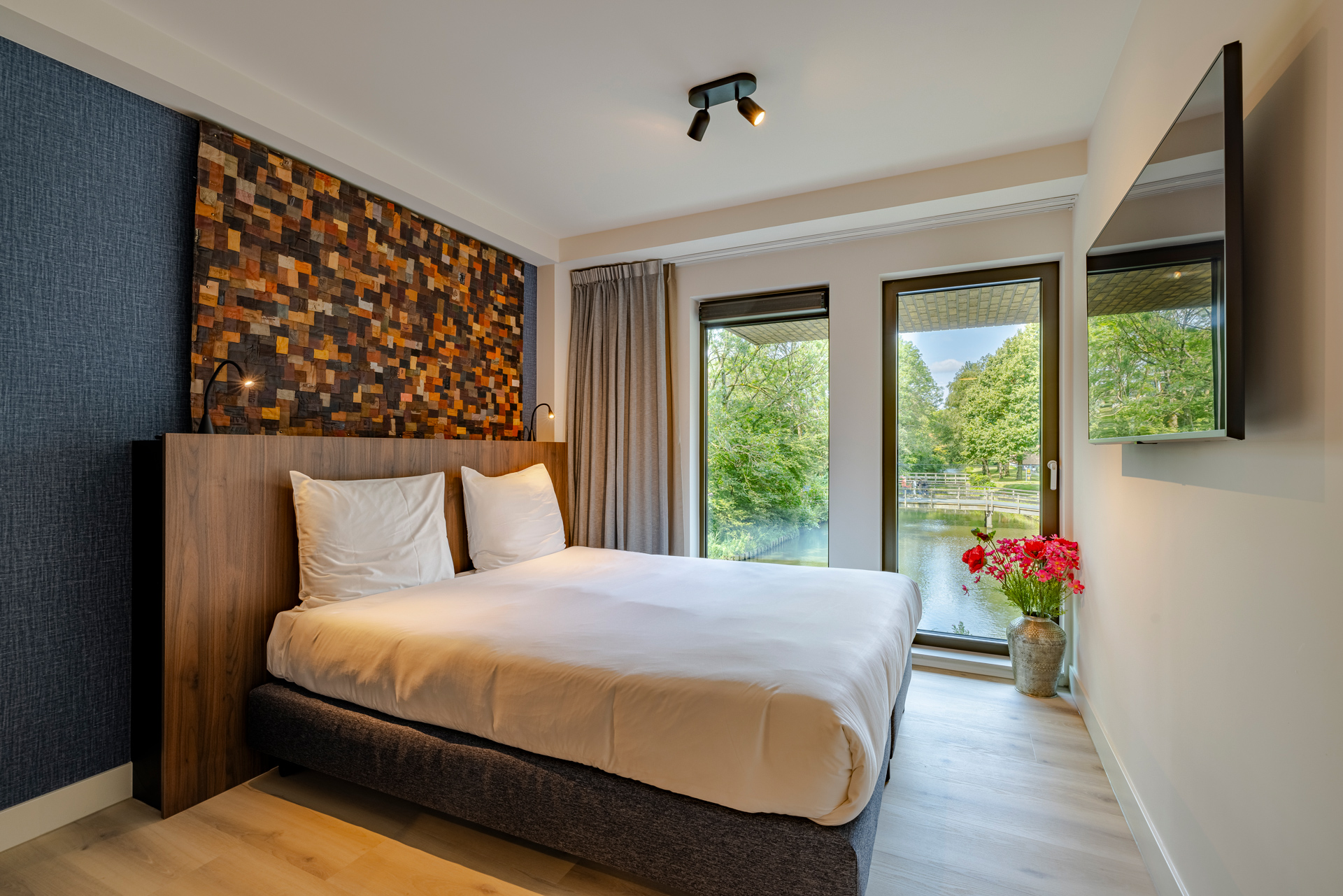
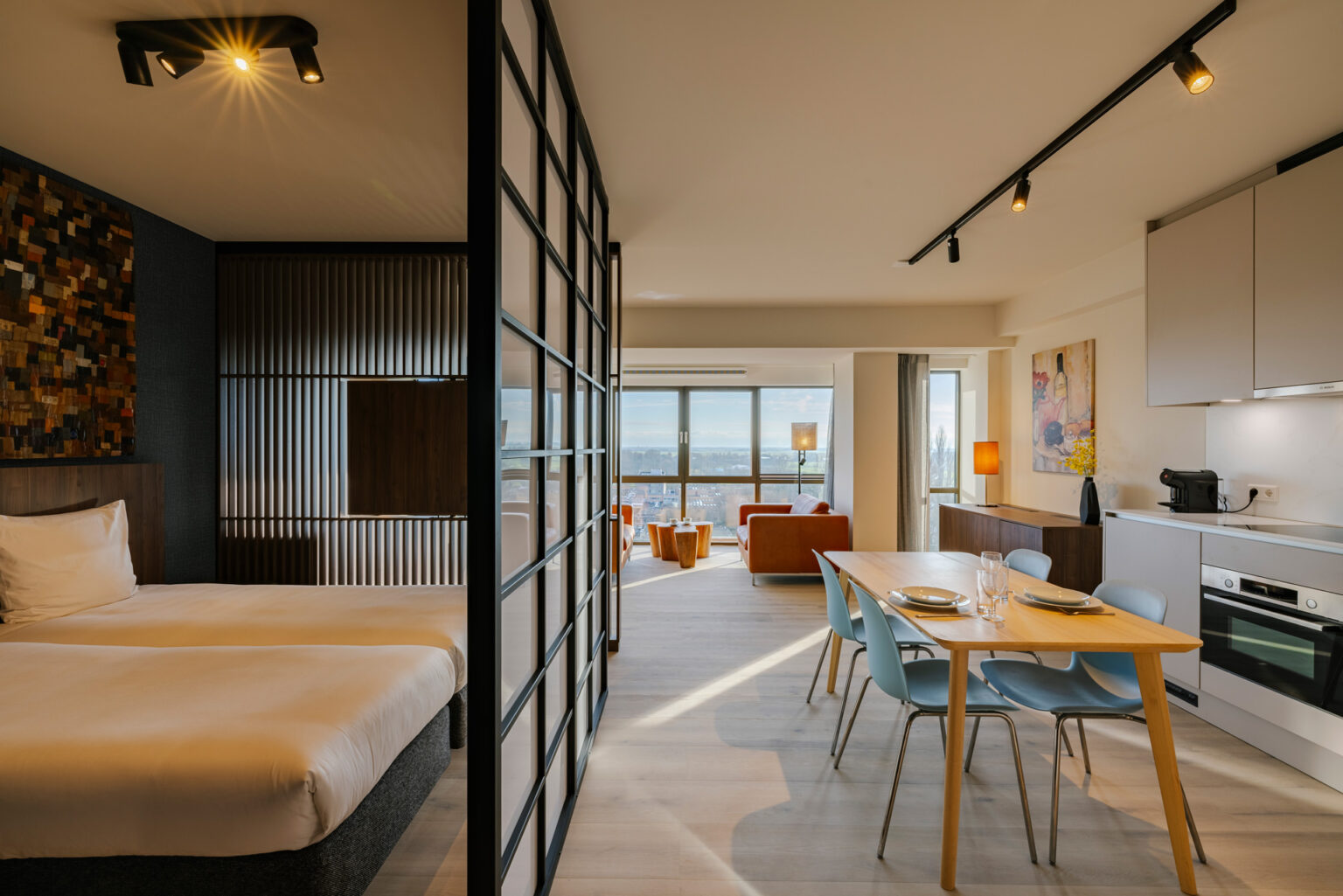
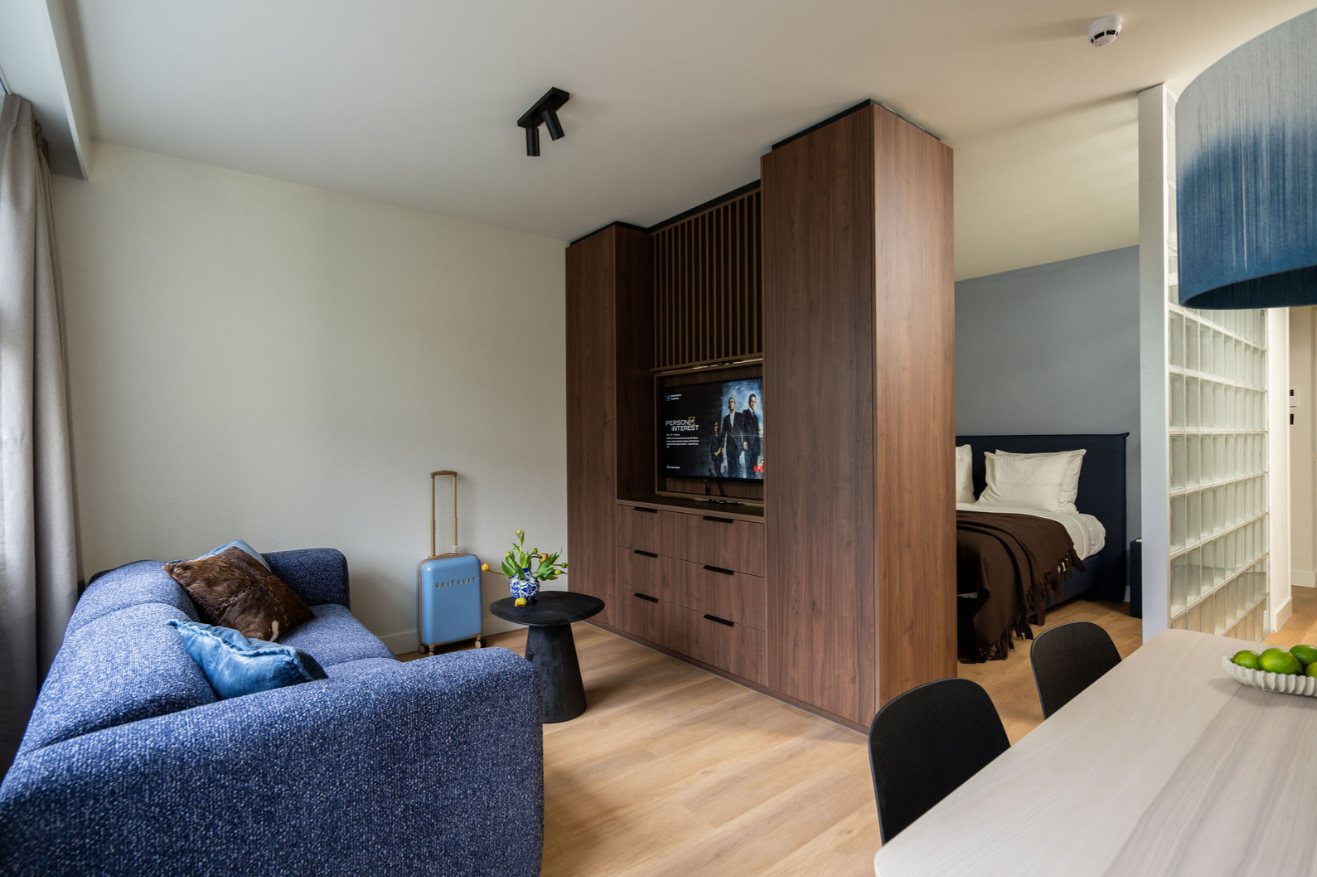
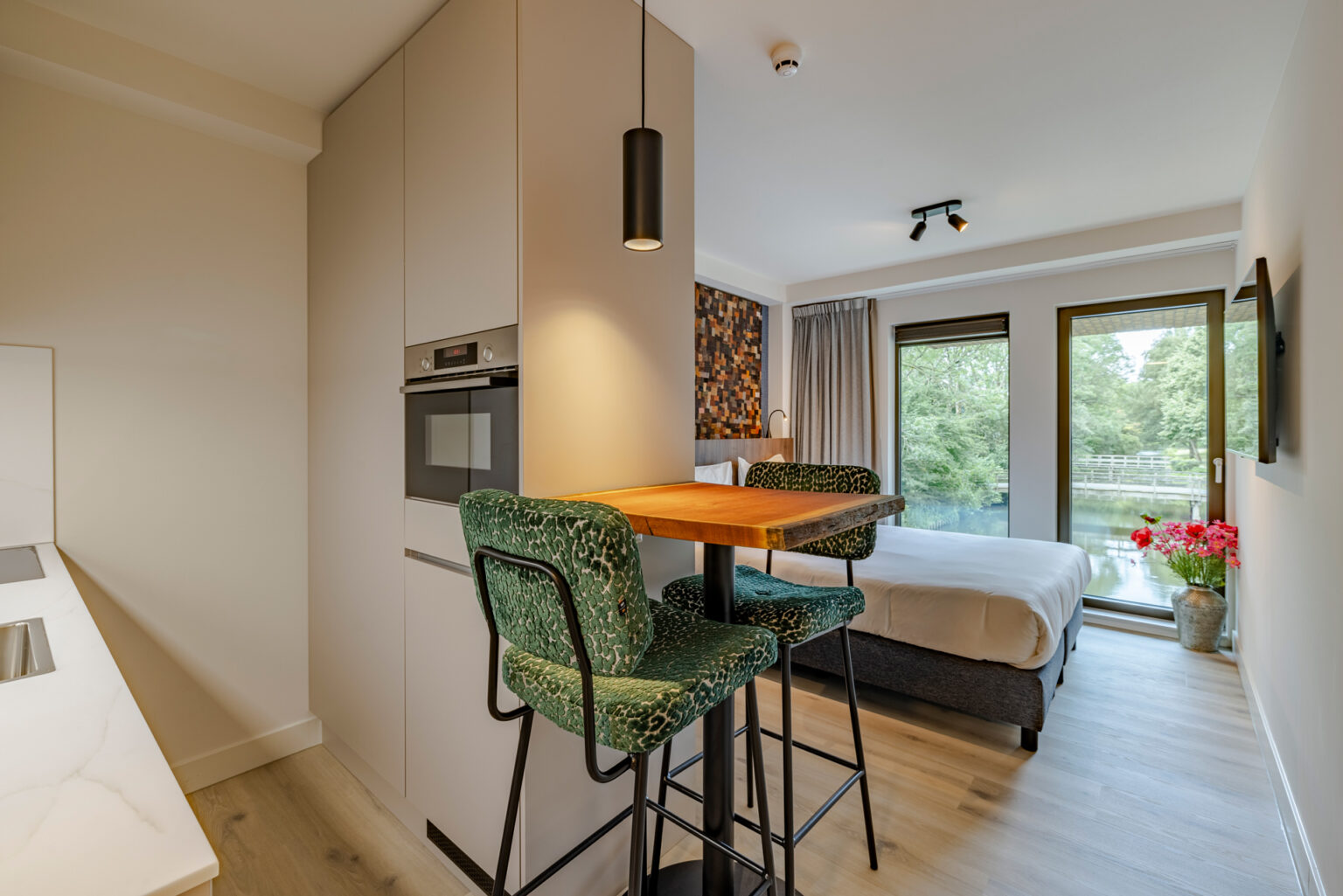
Htel Serviced Apartments offers 270 fully equipped apartments for guests staying 28 nights or longer. Designed for comfort, privacy and convenience, Htel combines the freedom of your own apartment with the service and care of a hotel.
Feels like home, just like your favourite jeans
20+ years of effortless living
With over 20 years of experience in international long-stay living, Htel is a leading serviced apartment concept in the Amsterdam area. Our mission is simple: to create a place where you can truly feel at home, wherever life takes you.
Whether you are relocating, working on a project, travelling with a team or settling into a new chapter, Htel gives you a comfortable base where daily life feels easy from the start.
Hotel comfort. Apartment freedom. All in one.
The best of both worlds
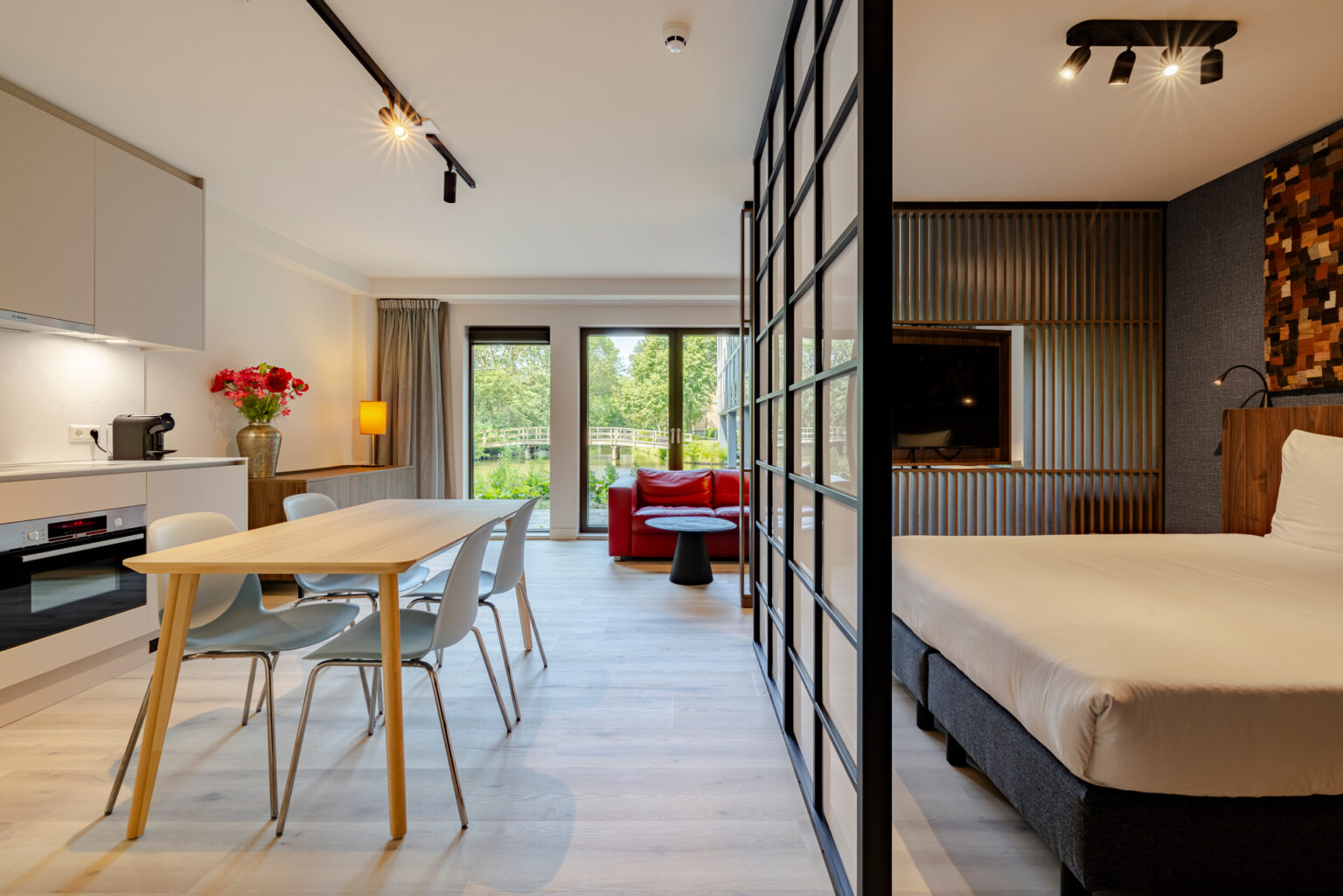
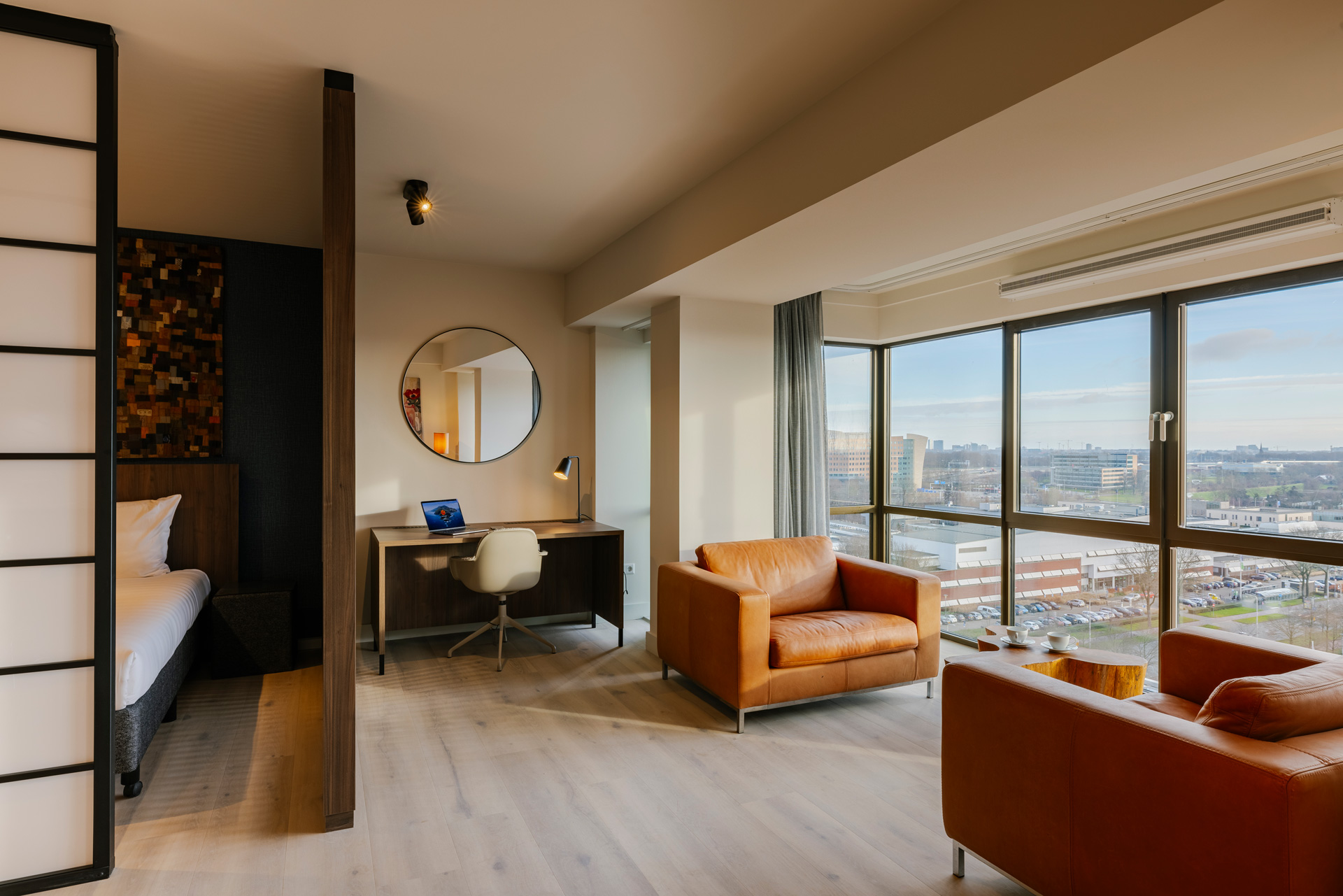
Fully furnished apartments
Move-in ready apartments with space to live, work and relax, available in four different apartment types to suit your stay.
All-in living
All sorted including: cleaning, laundry and municipality registration
Stay balanced
24/7 Gym, foodshop, game room, and shared spaces to recharge
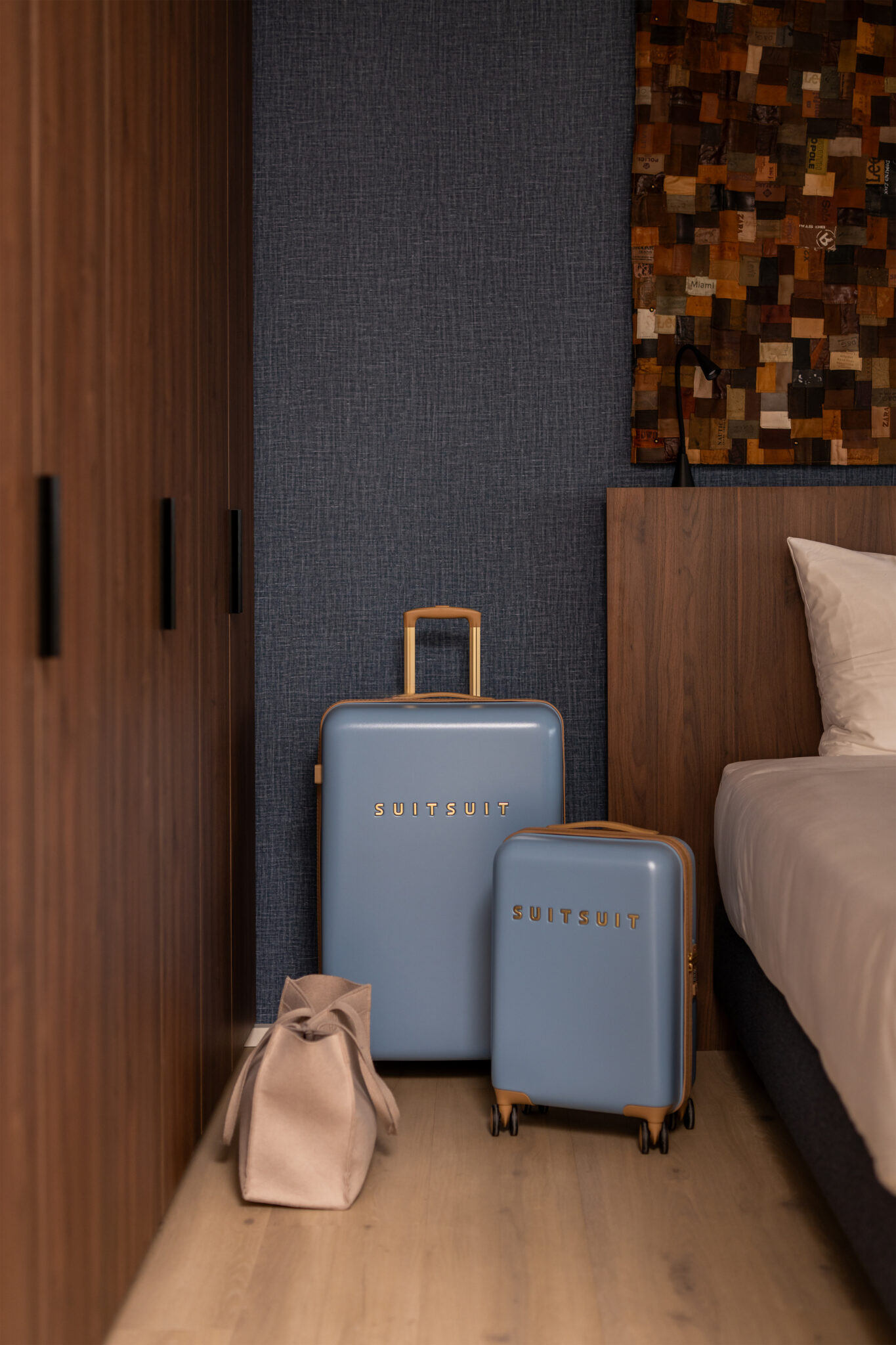
All you need to do is pack your suitcase, we’ll take care of the rest.
From fully furnished apartments to convenient on-site facilities like an in-house gym, launderette and foodshop, everything is designed around flexibility and ease. Whether you stay for a few weeks or several months, we adapt to your rhythm.
Tailor-made hospitality, shaped around your needs.
Giving you the space, comfort and convenience to settle in your own way.
Designed for today’s way of living
Fully renovated apartments
We’ve recently completed a large-scale renovation, transforming our apartments into modern, fresh and comfortable living spaces. Every detail has been carefully considered, from updated interiors to improved layouts, creating an environment that feels calm, functional and ready for real li
Your essentials, always within reach
Temporary living should not mean compromising on your daily routine. At Htel, everything is designed to make everyday life easier, from practical services to spaces that help you feel at home.
Start your morning with a workout in the in-house gym, pick up essentials from the foodshop, take care of laundry in the launderette or unwind in the shared living room. Whatever your day looks like, the basics are already in place.
Services & Facilities
The Gym
Stay active anytime in The Gym at Htel, open 24/7 for workouts or quick resets.
The Daily
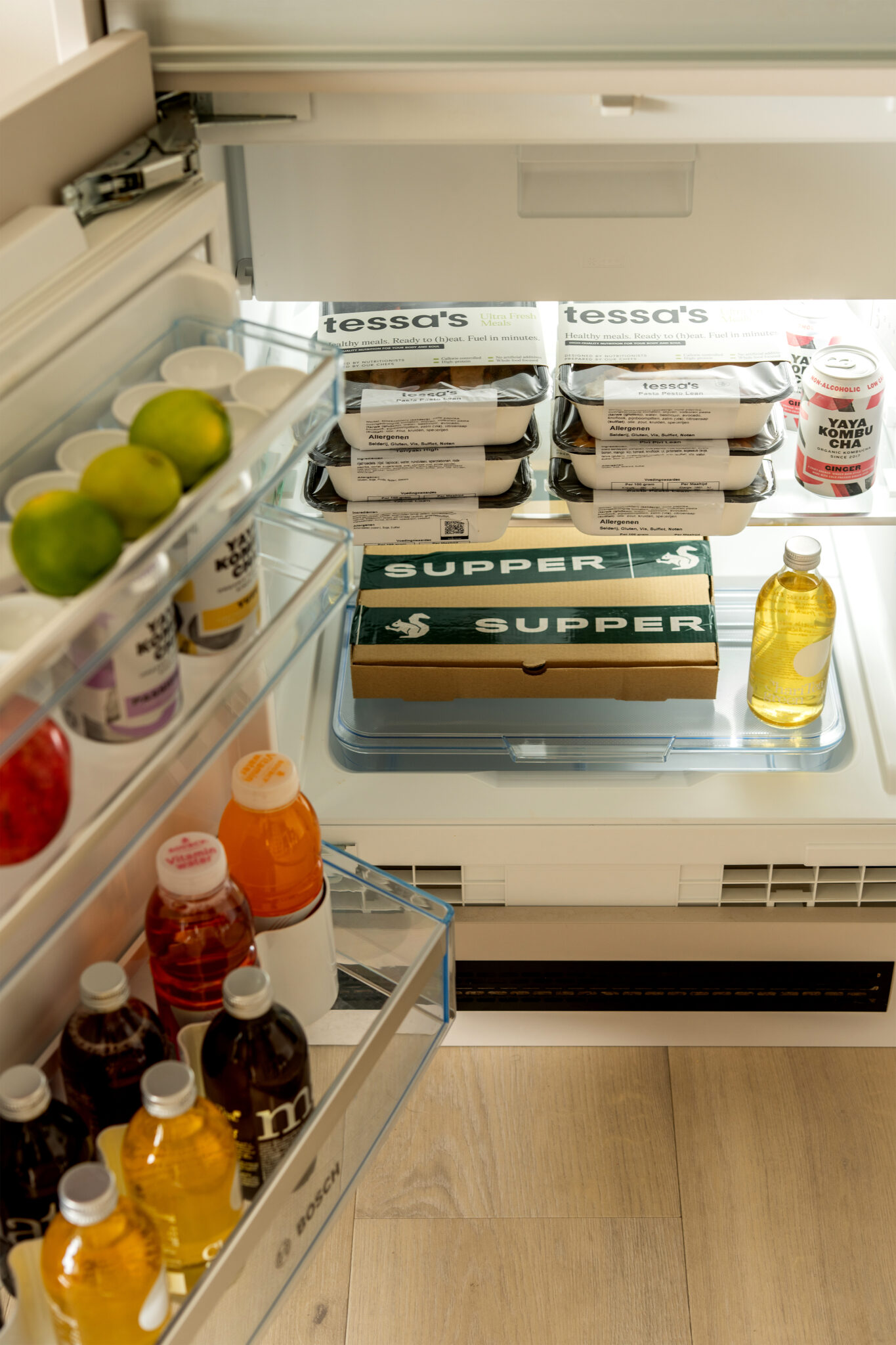
The Daily offers fresh meals, snacks, drinks and essentials, so your fridge is always well-stocked.
Launderette
Keep your routine going with the Launderette at Htel, open 24/7. Take care of your laundry anytime it suits you.
Cleaning
Weekly Cleaning keeps your apartment fresh and comfortable throughout your stay.
Parking
Enjoy convenient on-site parking at Htel, subject to availability.
Digital Butler
Meet the Digital Butler, your go-to for Htel support and local tips, just a click away.
Living room
The Living Room at Htel is your space to relax, work or unwind, a comfortable setting that feels just like home.
Registration
Municipality registration is possible at Htel, making your stay even easier.
Game Room
Unwind in the Game Room at Htel, the perfect spot to relax, play and connect.
Laundry Services
Make your stay effortless with Laundry Services that keep your clothes fresh and ready.
Bike Rental
Explore like a local with Htel Bike Rental and discover Dutch life by bike.
Get the Best Rate
Book now
Designed for extended stays, priced for smart booking.
Located in Amstelveen, in the Greater Amsterdam area, Htel is a fantastic base just around the corner from Amsterdam city centre, with nature nearby, peace and safety, and easy access to the motorway within two minutes. Schiphol and Haarlem are close by, and getting around is effortless thanks to the excellent Dutch public transport, or hop on one of our bikes for a true local experience.
Tailored for Different Needs
Made for every kind of longstay
Every guest arrives with a different story. Some are relocating, some are here for work, some travel as a group and others arrange stays for their employees. Htel is designed to support them all.